
Try a short performance
A parked car gives the viewer a fixed point while the performer gestures. For a short intro, describe the first pose and the gesture that breaks it. Leave the next move for another shot.
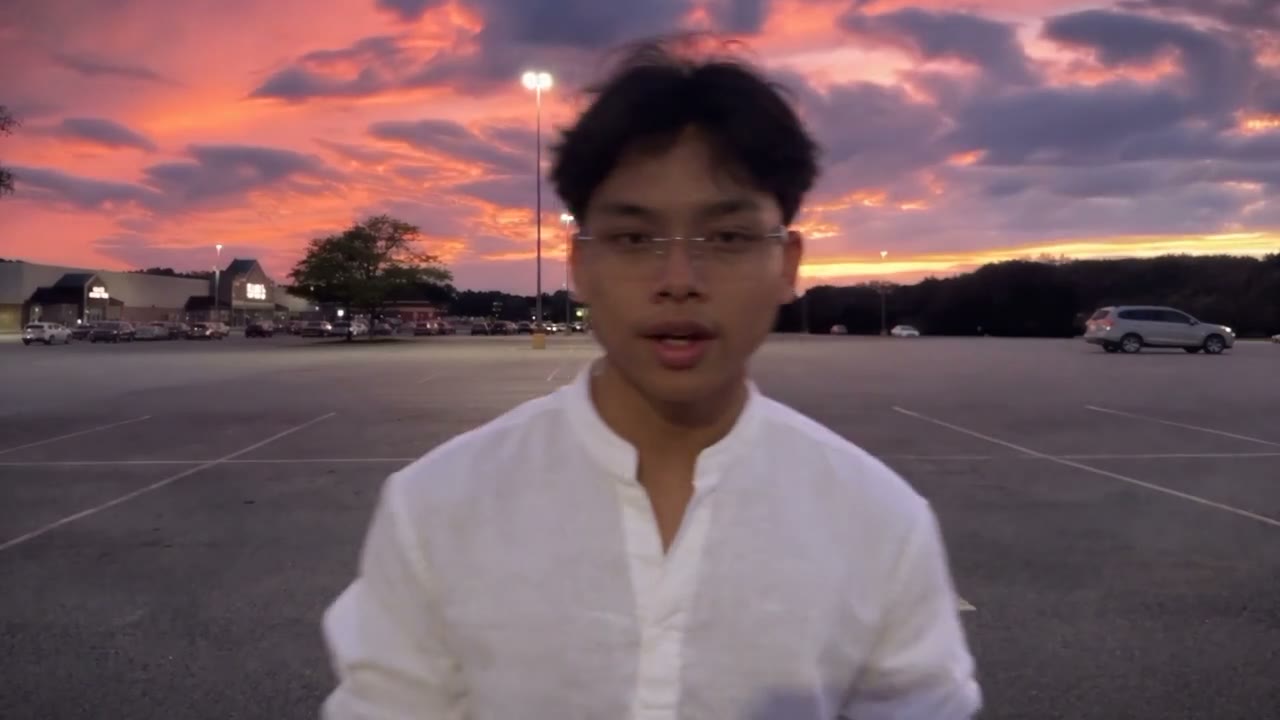
Give your performer an opening move. Write the shot, or choose a model that can take its cue from a still or a recorded rehearsal.
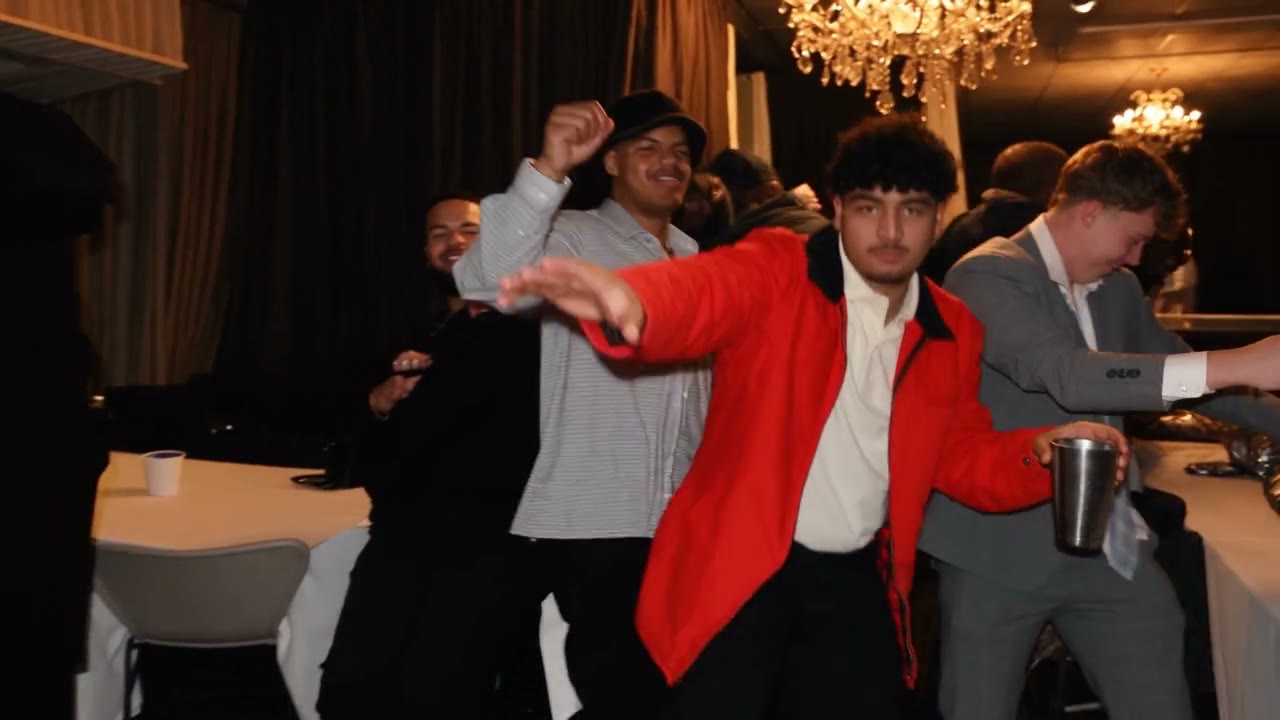
For a crosswalk duet, a prompt such as “one dancer steps forward as the other leans back” gives the scene a direction. If the order of the steps matters, a rehearsal clip gives a compatible model a performance to follow. A still can establish the cast and wardrobe.
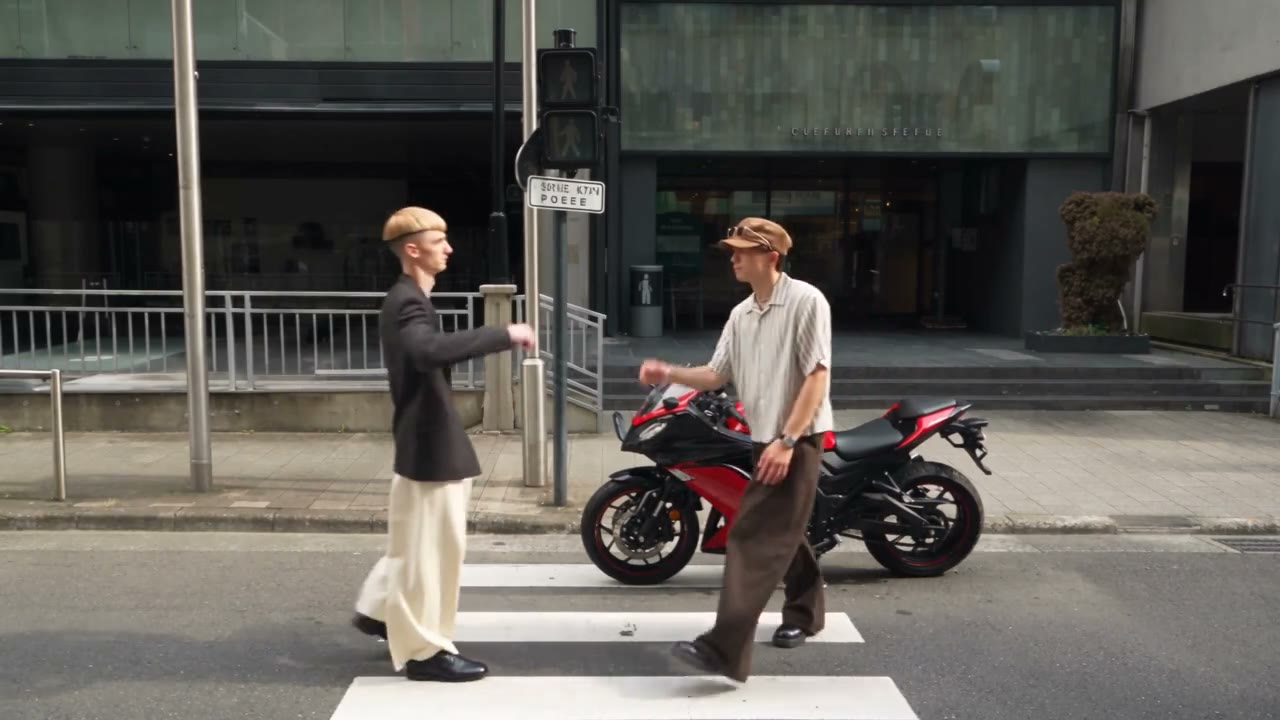
Start with the part of the performance you need to control. A rehearsal carries timing, a still establishes the look and a written cue can invent the whole shot.
STEP 1
For an imagined entrance, choose a model with text input. For a filmed turn or an existing costume photo, choose one that accepts that reference.
STEP 2
Describe the action from start to finish. For a side step, keep both shoes in the starting frame and leave room in the direction of travel.
STEP 3
Check the cost of this take, sign in and generate. In My creations, watch the landing as well as the opening pose before saving the clip.
Watch who moves first and what the camera does in these community clips, made outside Dance Generator.
A parked car gives the viewer a fixed point while the performer gestures. For a short intro, describe the first pose and the gesture that breaks it. Leave the next move for another shot.
A tracking shot makes the road slide past the subject. A fixed wide shot makes changes in foot position easier to see. Choose which movement the viewer should follow before adding a camera cue.
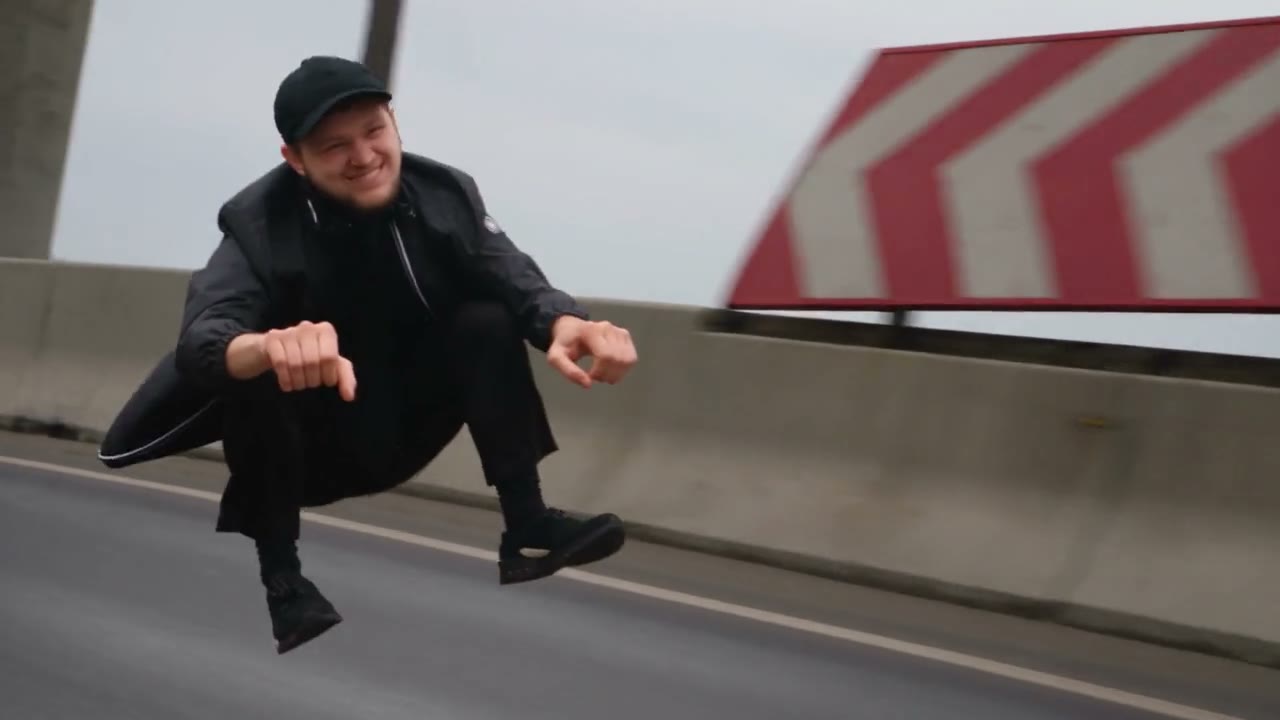
A walk through smoke can carry a whole entrance. Specify where the performer appears and where the shot ends, then watch the silhouette as it passes through the haze.
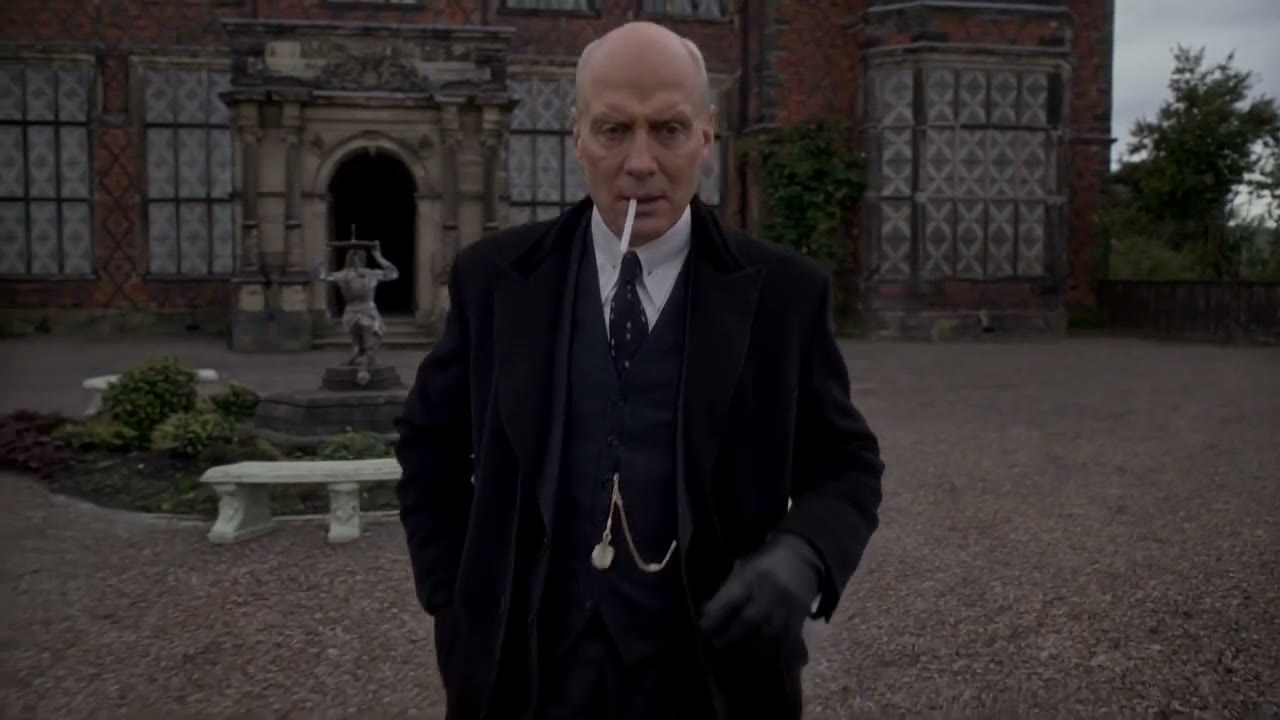
In an ensemble shot, give the lead a visible cue such as a red jacket. Name who starts the move and who responds. On playback, check the moment two bodies cross for changes in faces or clothing.
Work backwards from what you need the audience to recognize on the first viewing.
Record one clean pass of the move and use a model with motion-reference input. Keep the start of the step and its landing in frame.
Use a clear still with an image-to-video model when the jacket, silhouette or opening pose matters more than matching exact footwork.
For a text-led shot, give the performer one action and the camera one position. Try “a dancer spins once beneath a streetlight, wide fixed shot.”
A focused brief makes it easier to judge the movement and refine your next attempt.
Choose a model first. Depending on its supported mode, you can describe a scene, start from a still or supply reference media.
For a moving subject, describe one clear action and decide whether the camera should remain still or follow. A wider starting image can leave space for a full-body routine.
Use the available frame, duration and resolution controls for your intended destination. Review the estimate after changing settings.
Watch from the opening to the final frame. Check movement, faces and background continuity; revise a specific input if you try another generation.
Set the length and resolution you want for the performance, then read the estimate in the workspace. Budget for a second take if you plan to try a different camera angle.
For occasional clips and rehearsal takes.
$218.9 charged yearly
10,080 credits/year
Up to 1,680 images
Up to 560 videos
For creators releasing routines regularly.
$410.9 charged yearly
21,600 credits/year
Up to 3,600 images
Up to 1,200 videos
For a series with multiple looks and alternate takes.
$593.4 charged yearly
43,800 credits/year
Up to 7,300 images
Up to 2,433 videos
Explore the workspace with a first take in mind.
Prices in USD; taxes and total shown at checkout. Subscriptions renew automatically; cancel in Billing settings. Subscription credits expire each period; one-time credits never expire.
Refunds: request within 72 hours. Used purchased credits and applicable non-refundable processing costs (up to 6%) are deducted. Terms · Refund Policy
Choose a reference, describe the move and troubleshoot the framing.
Write what someone watching from the audience would see. For example, “Wide shot of a soloist in a white jacket. She steps left twice, turns to face the camera and holds.” Short cues in performance order are easier to revise if one move goes missing.
Use a rehearsal clip when the recognizable part is the movement. A costume photo is useful when you want to preserve an opening look and let the model invent the action. Some models accept both. Check the input slots after selecting your model.
Compare the first and last positions of the dancer. A step to the side needs space beside the performer, and a jump needs headroom. Try a wider starting image or ask for a locked wide shot if camera movement keeps cropping the feet.
Submitting another generation uses credits. Read the estimate after choosing the model and length. To test a new camera cue, keep the other settings the same so you can compare both the movement and the quoted cost.
Open AI Video Editor if you want to work from the footage itself. Upload the clip and describe a change such as moving the performance from a rehearsal room to a stage. Use this generator when you want to direct a new shot.
Start with the entrance, the turn or the final pose. Choose the input that shows it best.